

SnapKeep
Private Screenshot Manager for macOS
Capture, annotate, encrypt, and sync your screenshots — all on-device, with zero cloud dependency by default.
macOS 14.0+ · AI features require macOS 26+
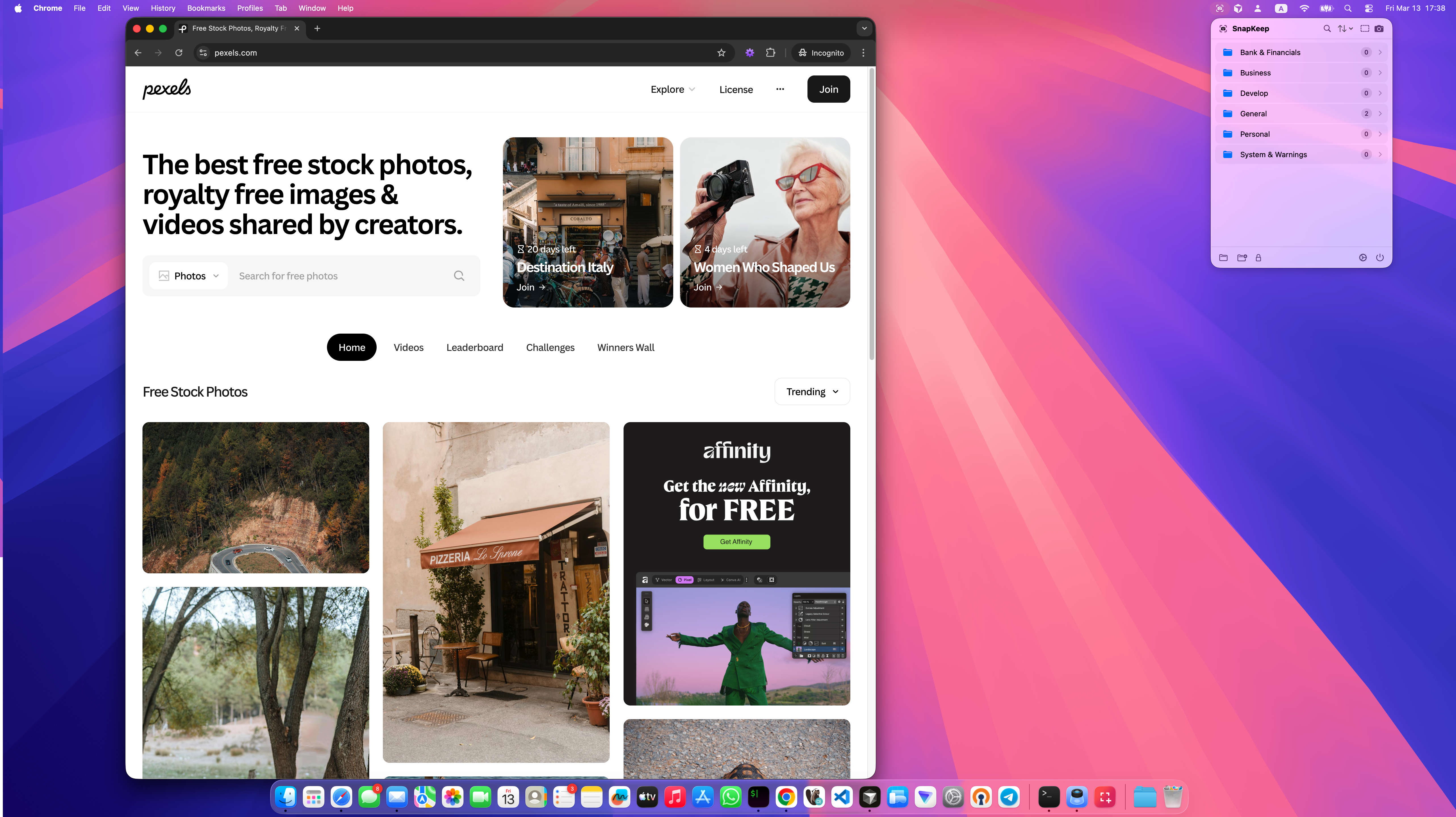
Powerful Features
Everything you need to capture, annotate, and protect your screenshots.
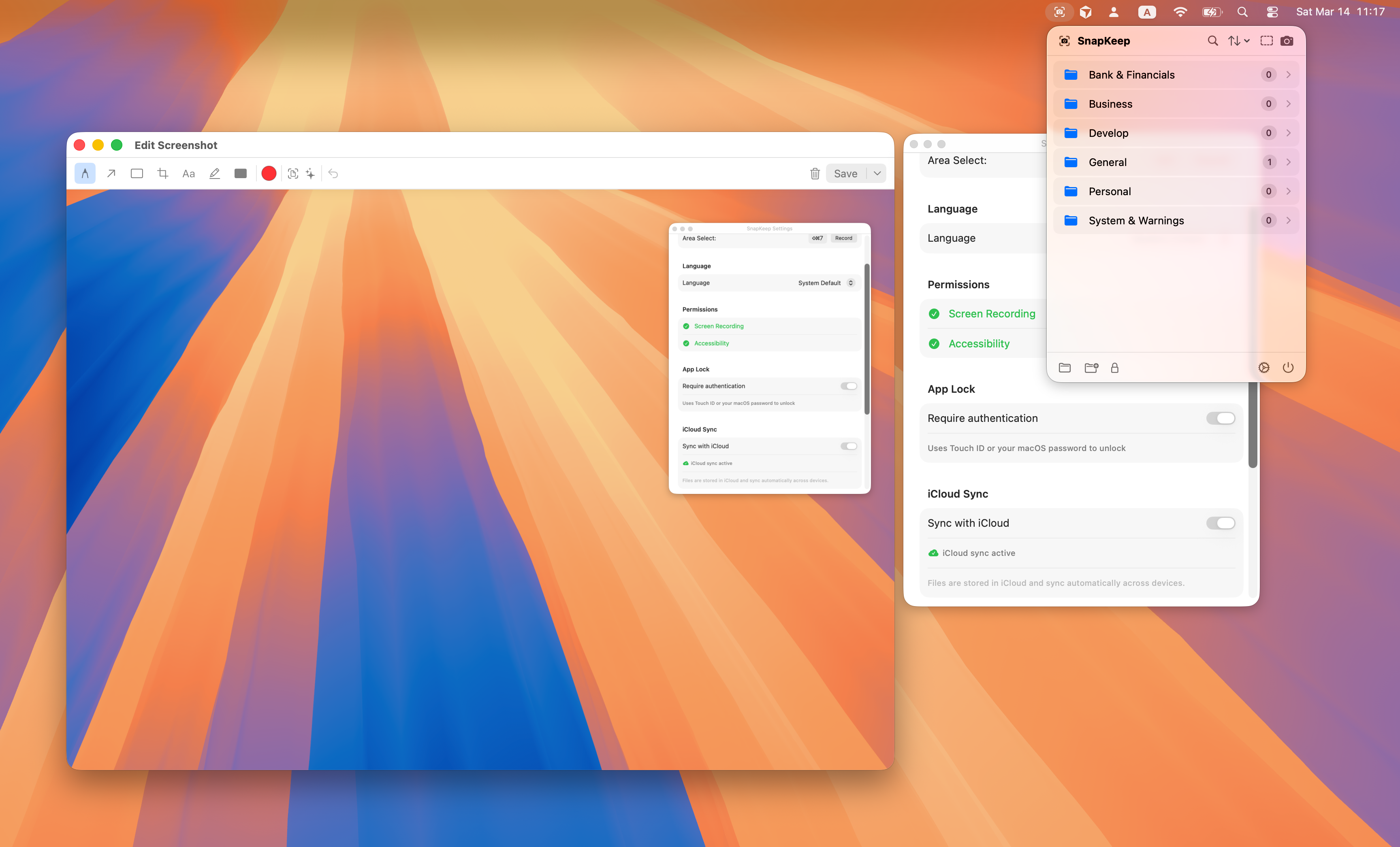
Screenshot Capture
Full-screen, area selection, or multi-display capture with configurable shortcuts and Siri integration.
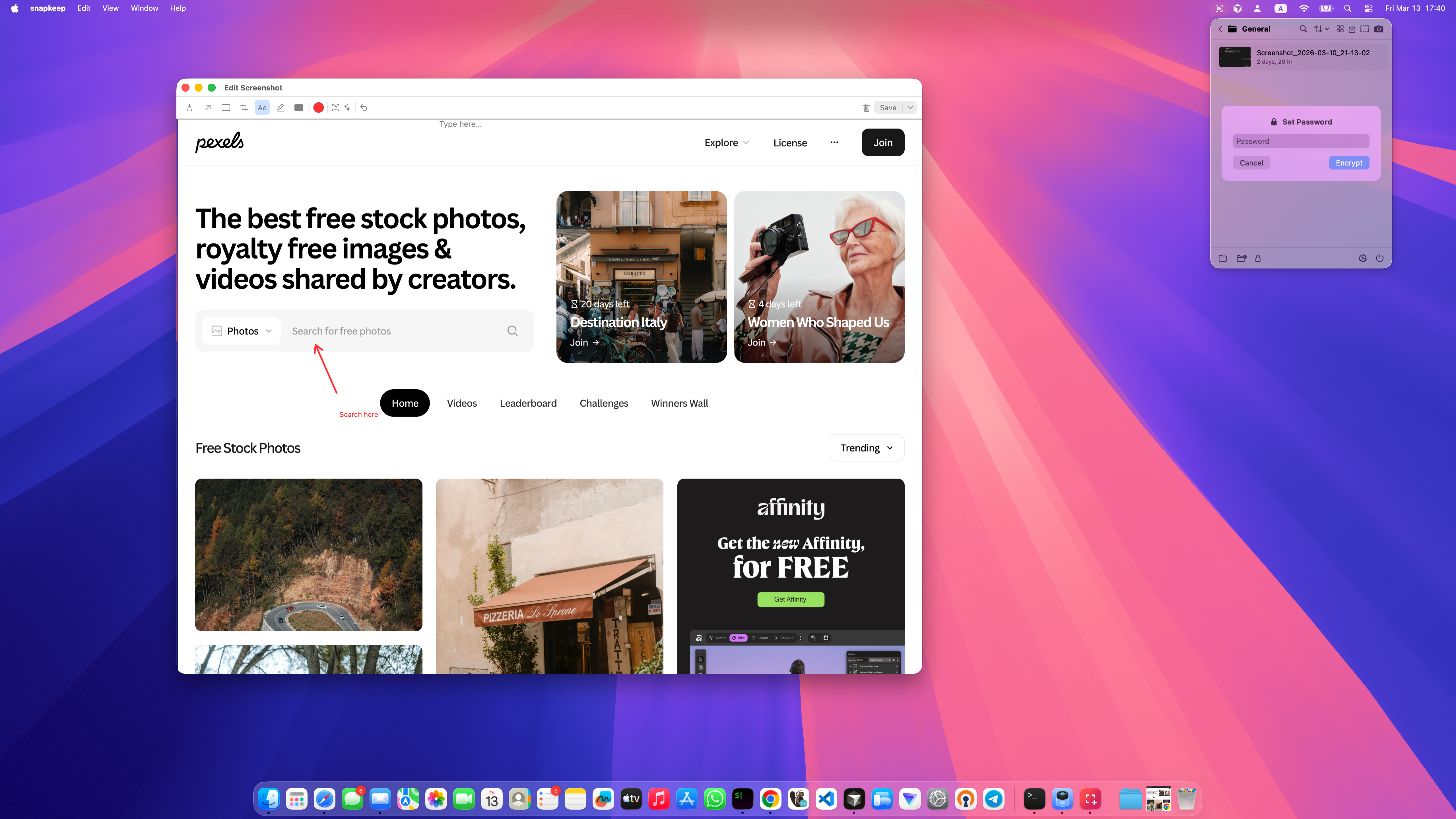
Annotation Editor
Pen, arrow, rectangle, highlight, mask, crop, and text tools with pinch-to-zoom and customizable colors.
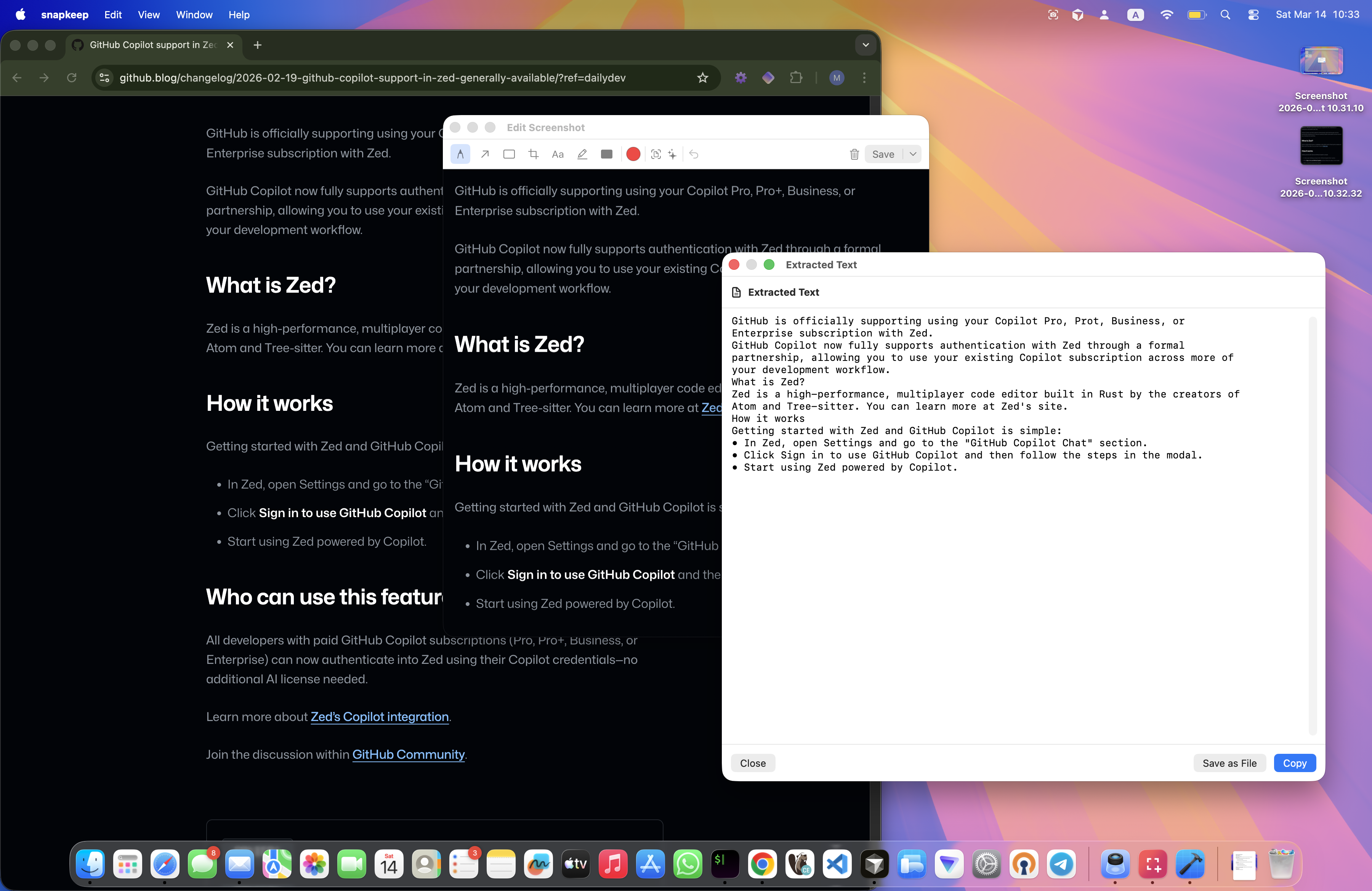
Text Extraction
On-device OCR powered by Apple Vision. Extract text from any screenshot with high accuracy.
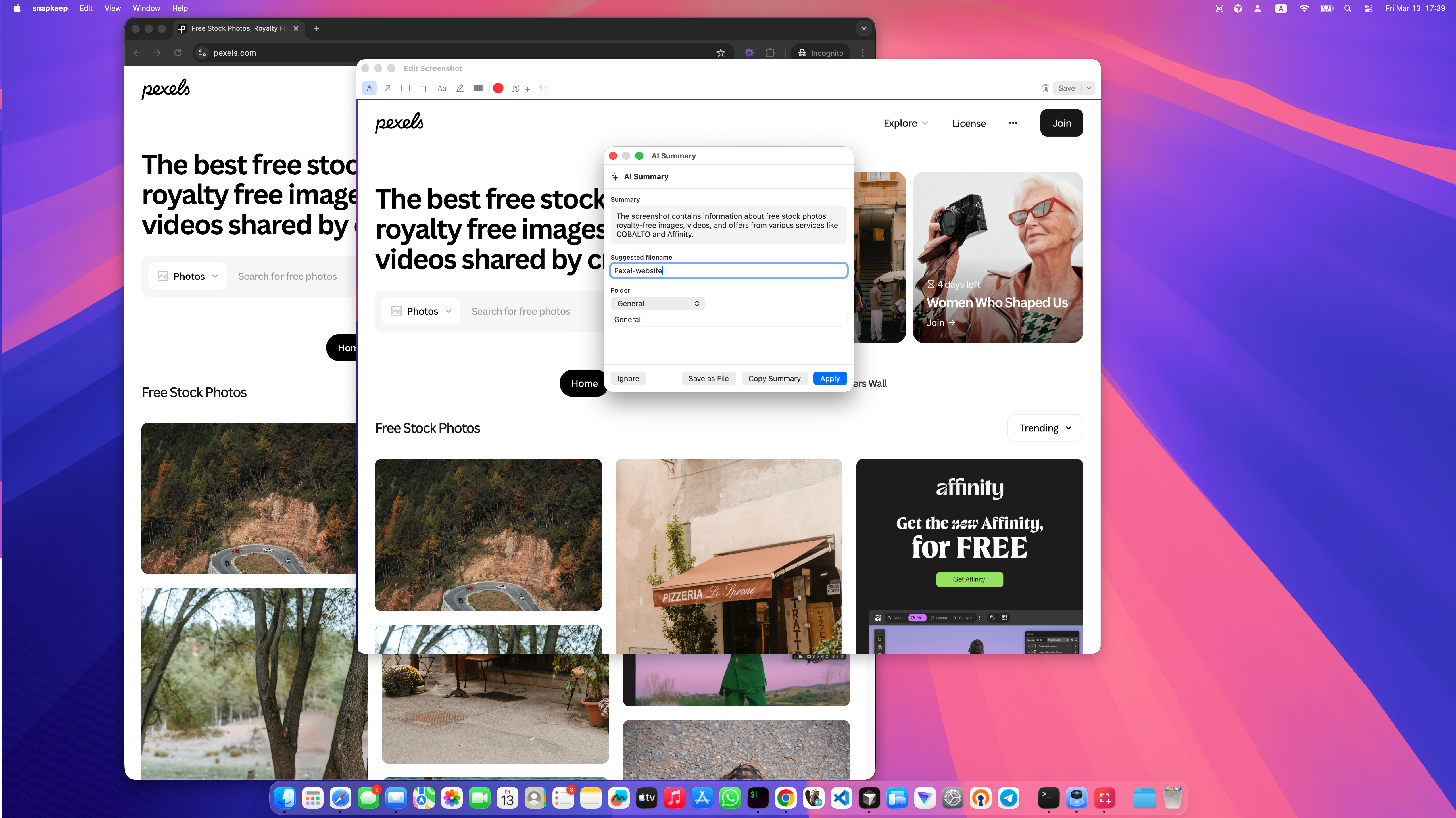
AI Summary
On-device AI generates smart suggestions for filename and folder. Requires macOS 26+ with Apple Intelligence.
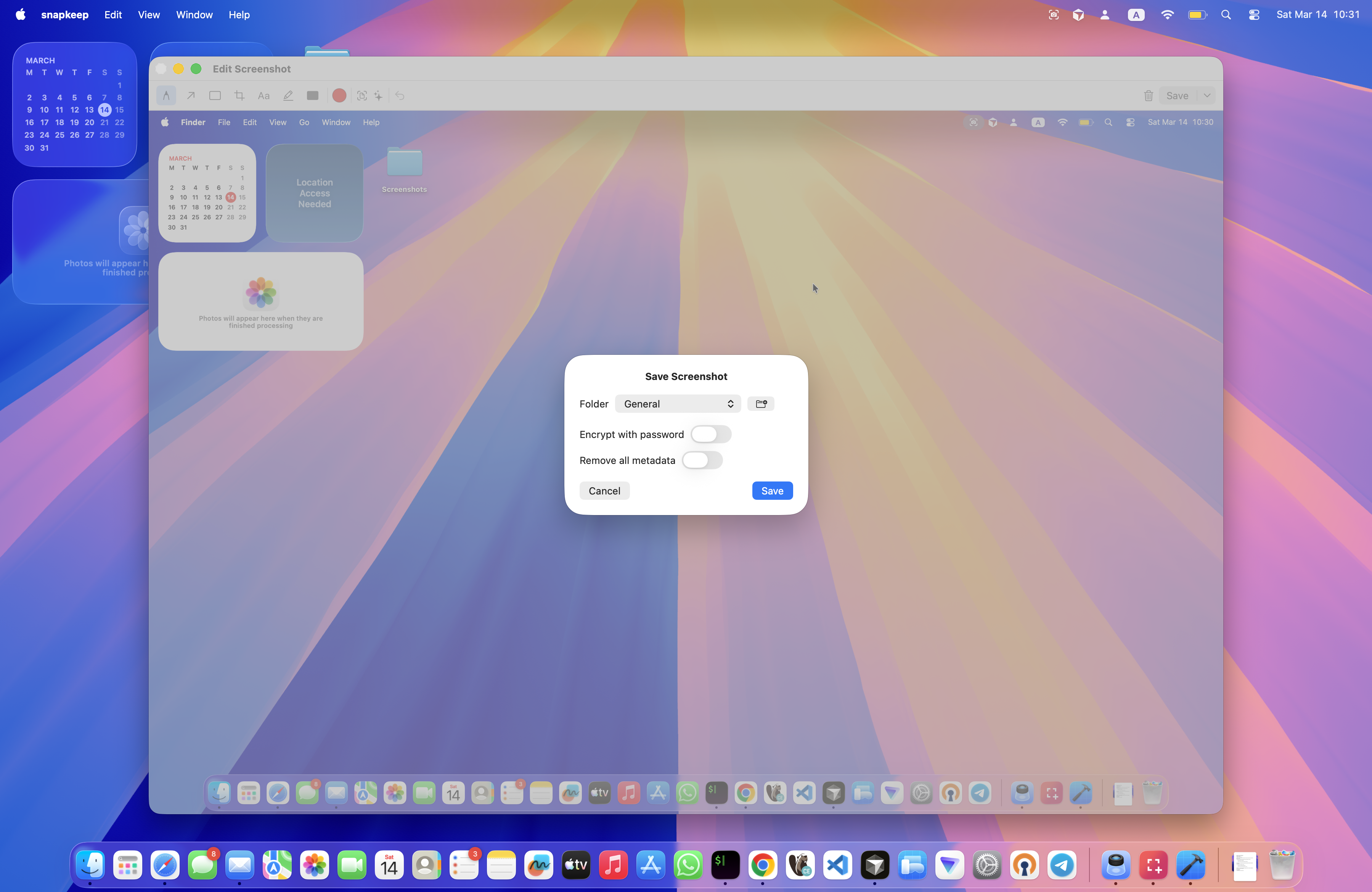
Privacy & Encryption
AES-256-GCM encryption, metadata stripping, and app lock with Touch ID. Your screenshots stay private.
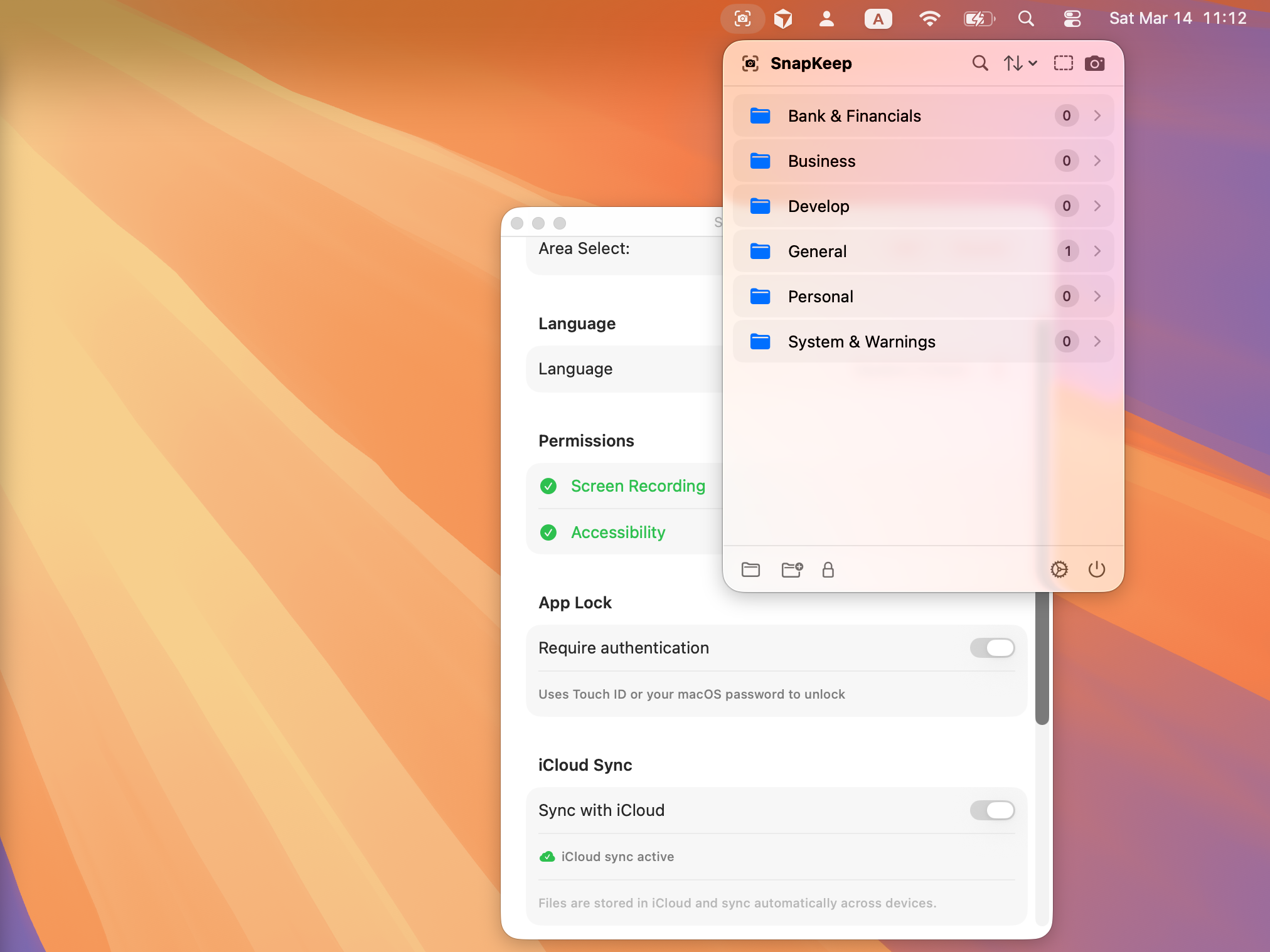
iCloud Sync
Optional sync across all your Apple devices via iCloud Drive. Real-time monitoring with conflict-free operations.
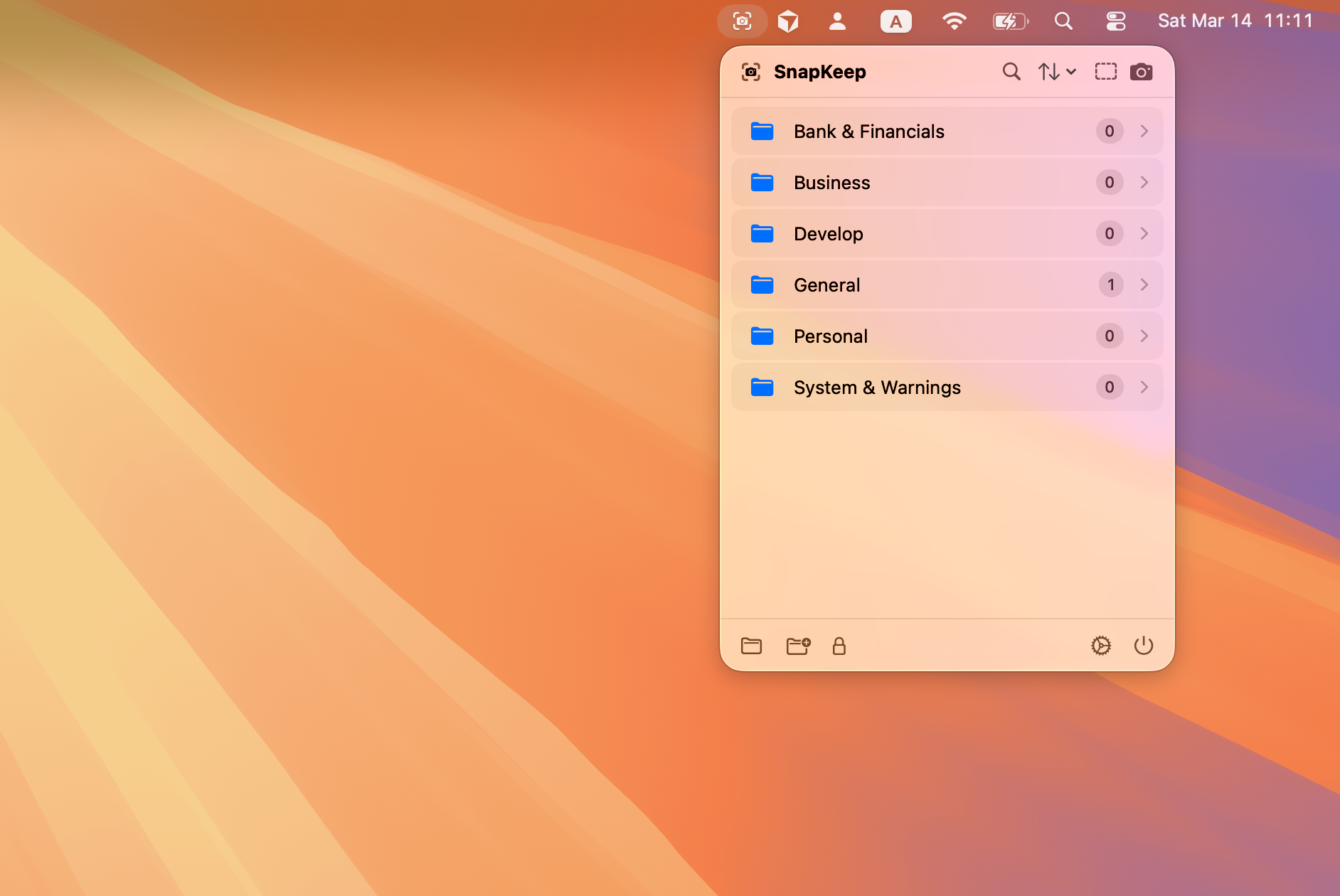
File Management
Create folders, sort, search, import, and organize. Grid or list view with drag-and-drop support.
Your Screenshots, Your Privacy
SnapKeep is built with privacy as the foundation. No analytics, no telemetry, no tracking. All processing happens on your device.
No Analytics or Tracking
Zero telemetry. No data ever leaves your Mac unless you explicitly enable iCloud sync.
100% On-Device Processing
OCR, AI, and all processing happens locally. Your data never touches external servers.
Military-Grade Encryption
AES-256-GCM with PBKDF2 key derivation (320K iterations). Even if files are accessed, they remain unreadable.
Ready to Take Control of Your Screenshots?
Download SnapKeep and experience screenshot management the way it should be — private, powerful, and beautifully designed.
macOS 14.0+ · AI features require macOS 26+